
AI summaries for security cameras
Does Gemini know more about my life more than I do?

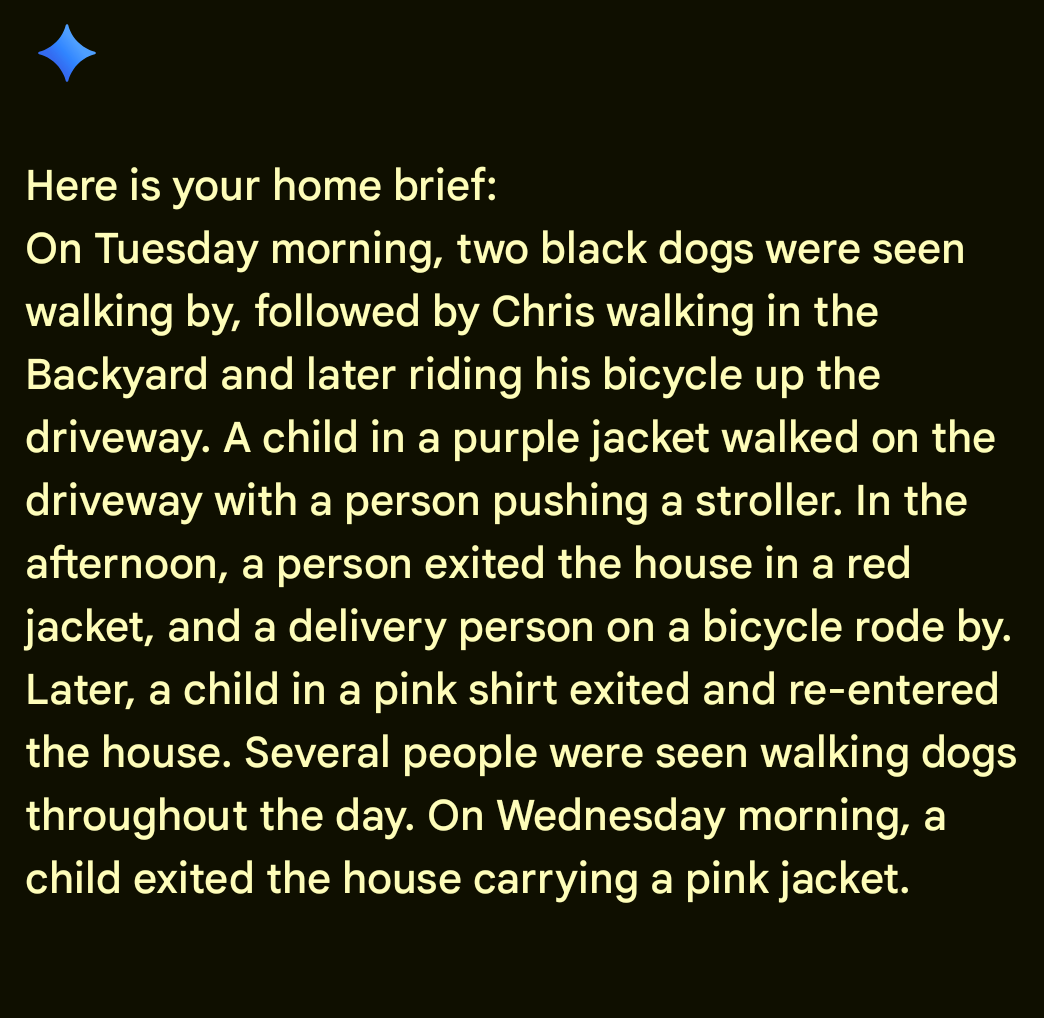
A few months back, a new feature was added to my Google Home App. Google thought it would be useful to offer an AI-generated summary of everything captured by my Google/Nest security cameras over the course of a day.
Hmm, in theory, this seems like a decent idea. I’d like to know what’s going on around my home and I certainly don’t have time to scrub through hours of camera footage. Why not just have Google send me a quick rundown of what happened each evening?
You can probably already sense that I’m going to shift into negativity mode and start bashing the summaries I’ve been receiving. But before I do... well, let’s look at the positive aspects first.
There are days where I’m not actively looking at my camera notifications. Maybe I’m really focused on some deep work and turned off the alert that lets me know a package was left at the front door. Or—and this is a real example—maybe your AI camera assistant notifies you that it saw a family of raccoons hanging out in front of your garage very early in the morning. That’s kinda neat.
The one time where I found it to be truly useful was when our cat decided to sneak out the front door one evening. A quick summary mentioning that a cat was seen walking by the front door is actually pretty useful. It allowed me to quickly jump to that moment, check the timestamp, and deduce that she got out at 5:00 PM. Knowing exactly when she left made it much easier to figure out how far she may have wandered. Don’t worry, we were able to find the cat just down the street.
And that really highlights where AI shines: enhancing your ability to contextualize things captured on your cameras. When I know a package was delivered, it’s much easier to just type “package” into the search bar than to scroll through hours of video searching for a delivery truck.
And that’s about the extent of the usefulness I’ve found. In reality, the AI summaries read like a rambling, confusing recollection of the day’s events from a toddler.
If there were legitimate security issues baked into the summary, I wouldn’t realize it. “A man walked through the backyard” could be me checking something in the garden in the afternoon, or it could mean a prowler sneaking around in the middle of the night.
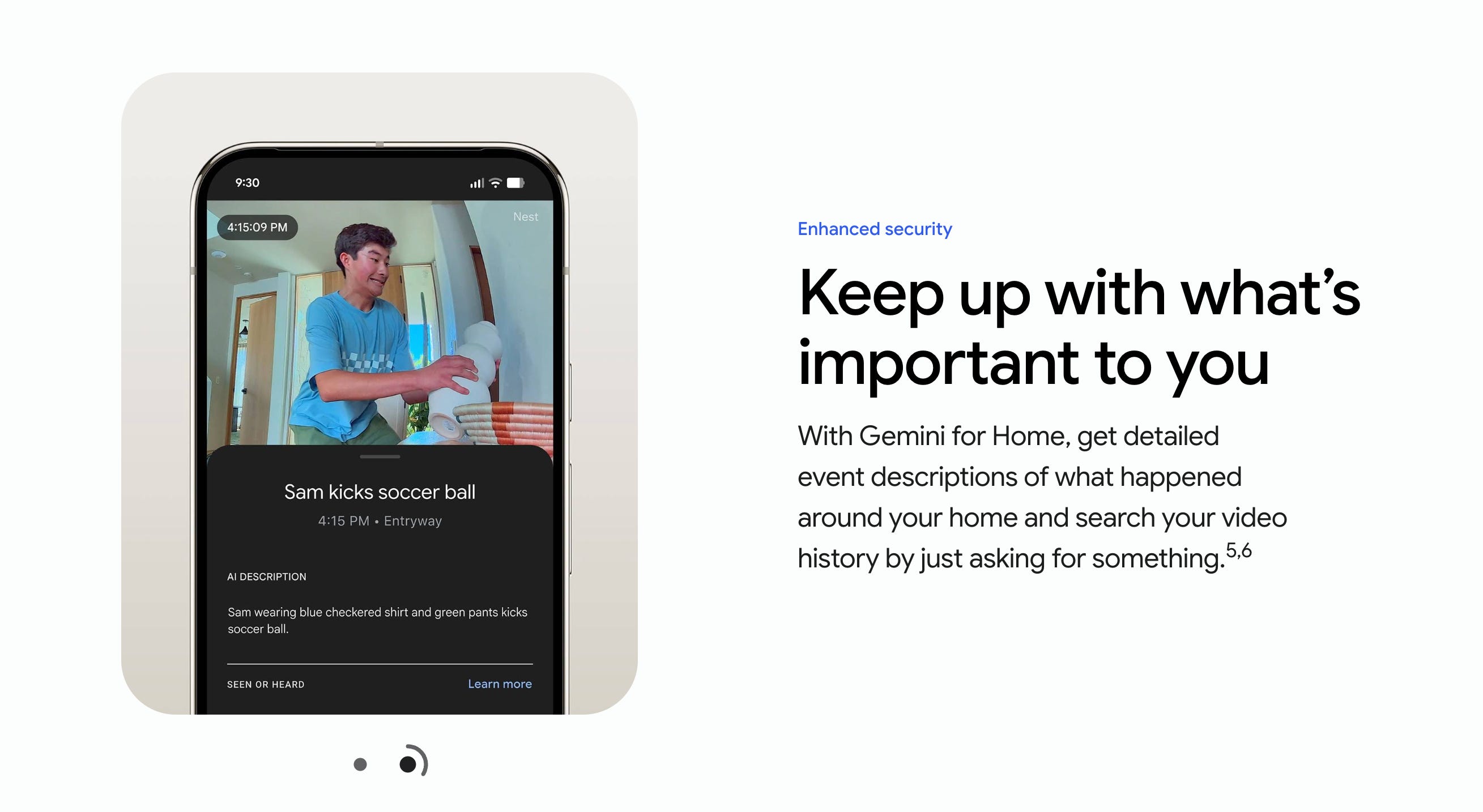
Gemini also still has trouble identifying specific faces of friends and family members. It has mistakenly told me that a friend was arriving at my front door unannounced when in reality it was just a delivery person who bore no resemblance. And while there are obviously some similar traits, it’s wild how often Gemini confuses my daughter for my wife when identifying people coming and going throughout the day.
This is the type of technology that will surely improve over time. The more people use the home brief feature, the more they can give constructive feedback to help things improve. The bigger question is: how long will that take and how much will people be willing to pay for it?
Yes, I do have a Gemini Premium subscription and I’ve been a longtime subscriber to the Nest Aware monitoring system. I still think the services are worth paying for. But how much is too much? Would a feature like this make me more likely to continue paying for it? I’m not sure. I think it has a long way to go.
I also think that maybe my use case isn’t conducive to AI monitoring like this. Do I really need to know every time my dog walks in the backyard? Maybe it makes more sense for people with higher security concerns, or a business that wants a better sense of customers entering and exiting all day.
Hey! Could you use some help establishing healthy habits? Do you have a big project or new business that you want to get off the ground but could use some advice? Maybe you could benefit from hiring me as your coach. If you’re interested, read more about my coaching services here, or go ahead and book some time on my calendar to discuss further.
If you’ve been enjoying this content and want to show your support, I encourage you to become a paid subscriber!